
Choosing a digital marketing service that balances transparent reporting, affordable pricing, and true integration across SEO, content, and paid channels remains a major challenge for growing agencies and teams. Too many services either hide costs behind sales calls, offer limited automation, or lock critical features and collaboration inside tiered plans that escalate with each added user. This comparison details the pricing models, client collaboration tools, and workflow automation of five digital marketing providers so you can quickly shortlist one that fits your project size, team structure, and reporting needs.
Table of Contents
Ascendly Marketing
At a Glance
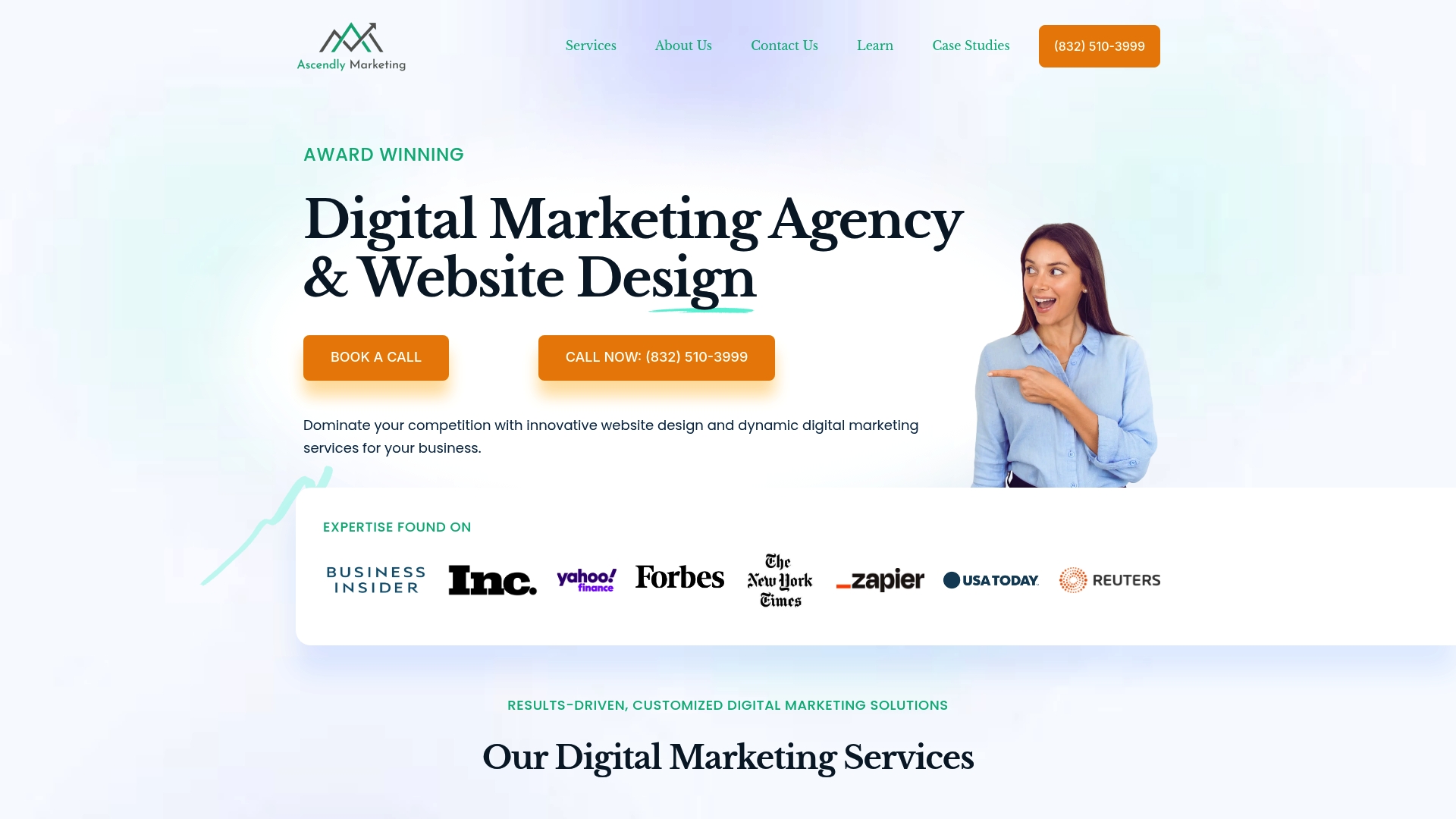
Since 2013, Ascendly Marketing has maintained offices across Texas in The Woodlands, Irving, Plano, Cypress, Dallas, and Houston, positioning local account teams near regional clients. The agency combines design, search, paid advertising, and consulting under repeatable retainer models.
Core Features
- SEO and technical audits targeting organic visibility and crawl performance for mid- to large-sized sites.
- PPC and paid advertising management across search and social with conversion-focused reporting.
- Website development and design that pairs brand systems with UX work and measurable launch goals.
- Content marketing, public relations, video production, and ongoing marketing consulting tie campaigns to lead generation and sales outcomes backed by documented case studies.
Key Differentiator
A leadership team that includes former Google experts and recognized designers drives client strategy while keeping technical SEO and content execution in the same engagement. That combined senior bench lets Ascendly move from audit to implementation without outsourcing the core strategic work.
Pros
- Deep bench of senior talent. A mix of ex-Google professionals and experienced designers shortens the decision loop on technical and creative questions.
- Case studies demonstrate work spanning SEO growth, lead generation, and measurable business impact, helping justify investment during vendor selection.
- Full-service scope. You can bundle website development, content, and paid media under one retained relationship to keep KPIs aligned.
- Transparent reporting and client collaboration practices make it easier to share progress with stakeholders and to adjust tactics quickly.
Cons
- Pricing is custom and not published, which the vendor signals typically leads to higher investment levels for enterprise engagements and can be a barrier for smaller businesses.
Who it’s for
Mid-sized and enterprise organizations that need a single partner for search, creative, and technical work. Teams with internal marketing resources who want senior strategic leadership and external execution capacity will get the most from Ascendly.
Unique Value Proposition
The team mix of former Google experts plus recognized designers creates a single channel for strategy, technical SEO, and creative delivery. That structure reduces the coordination overhead you usually face when hiring separate SEO consultants and creative shops and speeds alignment from brief to launch.
Real World Use Case
Ascendly’s case studies describe a regional manufacturing company that revamped its website and launched integrated SEO and PPC campaigns. The vendor reports this engagement produced increased organic traffic, higher search rankings, and improved lead conversion over six months.
Pricing
Ascendly does not list standard rates. Pricing is typically a custom quote based on scope and scale, which means retainers and project fees vary by channel and site complexity. Expect enterprise-level investments for full technical and ongoing consultancy.
Website: https://ascendlymarketing.com
Leiga
At a Glance
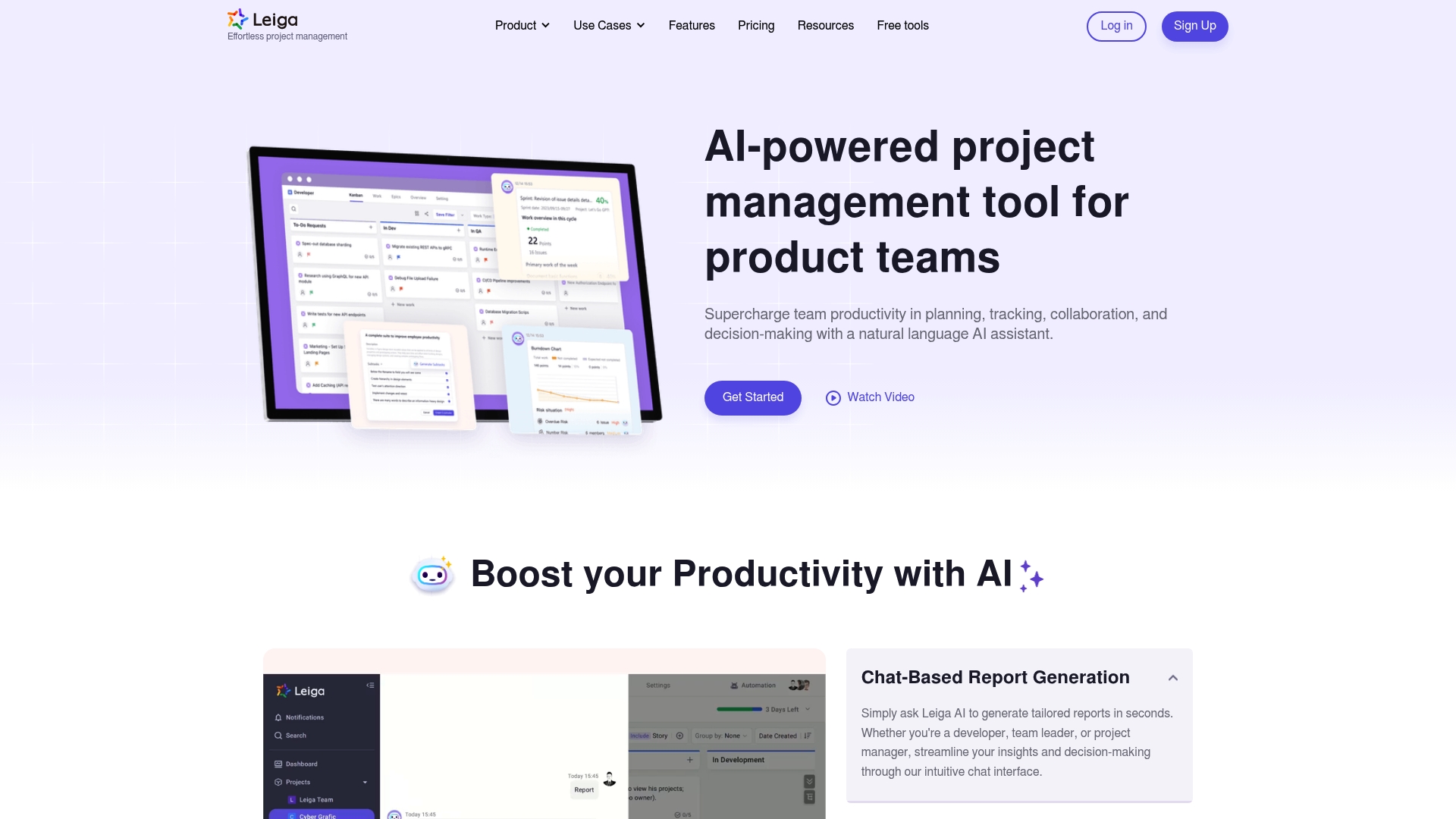
A Free tier is available, and paid plans start at $10/user/month, making Leiga accessible to teams that want to test AI features before committing. The product focuses on embedding AI reports, risk detection, and automation directly into project workflows while integrating with developer tools.
Core Features
- AI-powered report generation that drafts status updates and highlights risks.
- Risk assessment and real-time monitoring to surface bottlenecks and stalled work.
- Automations for routine tasks and custom workflows so teams can enforce specific handoffs.
- Screen recording, bug capture, roadmaps, dashboards, and milestone tracking.
- Capacity planning, workload balancing, Gantt and list views, release management, and IDE plugins.
Key Differentiator
The product ties AI-powered automation to everyday project actions rather than offering AI as a separate add-on. That means routine updates, risk flags, and suggested next steps appear inside tickets, sprint boards, and release flows so teams spend less time manual-triaging and more time shipping.
Pros
- Extensive developer tool support reduces context switching; having AI suggestions show up next to commits and issues keeps work in one place.
- AI-powered report generation speeds weekly status preparation and lowers the time managers spend summarizing progress.
- Built-in risk and bottleneck prediction give early warnings so teams can rebalance capacity before deadlines slip.
- Flexible fields and workflows let product and engineering teams model PRDs, sprints, and release gates without forcing a single process.
- Capable remote collaboration features such as screen recording and transcription help asynchronous teams close feedback loops faster.
Cons
- No independent user reviews were provided in the product data, so public reliability and adoption signals are limited.
- The broad feature set can be overwhelming for teams without a dedicated admin or operations owner to configure workflows.
- Advanced tiers are likely more expensive for very small teams; paid feature gating may push startups to single-purpose tools.
When it may not fit
If your team is a two- or three-person startup with no bandwidth for setup, Leiga’s many configurable options could feel like overhead rather than help. Simpler Kanban tools may win for lightweight tracking.
If your budget is severe and you only need basic issue tracking, the need to move to Standard or Professional plans for AI and capacity features could make Leiga a poor match.
Notable Integrations
- GitHub
- Jira
- Slack
- Gitlab
- Figma
- OpenAPI
- Zapier
- Notion
- IDE plugins
Who it’s for
Product managers, engineers, and development teams that want AI suggestions inside their existing dev tooling and value automation for recurring updates. Remote or asynchronous teams that rely on recordings, transcriptions, and triggered automations will find the feature set aligned with their workflow.
Real World Use Case
A mid-sized engineering team wires Leiga to GitHub and Slack so PR status, build signals, and AI-generated sprint summaries appear in one place. The team automates routine status notes, captures bugs with screen recordings, and uses risk flags to shift resources before releases.
Pricing
A free tier covers basic features. Paid plans begin at $10/user/month for the Standard plan, with Professional and Enterprise tiers offering expanded capacity planning, advanced automations, and enterprise controls.
Website: https://leiga.com
ProofHub
At a Glance
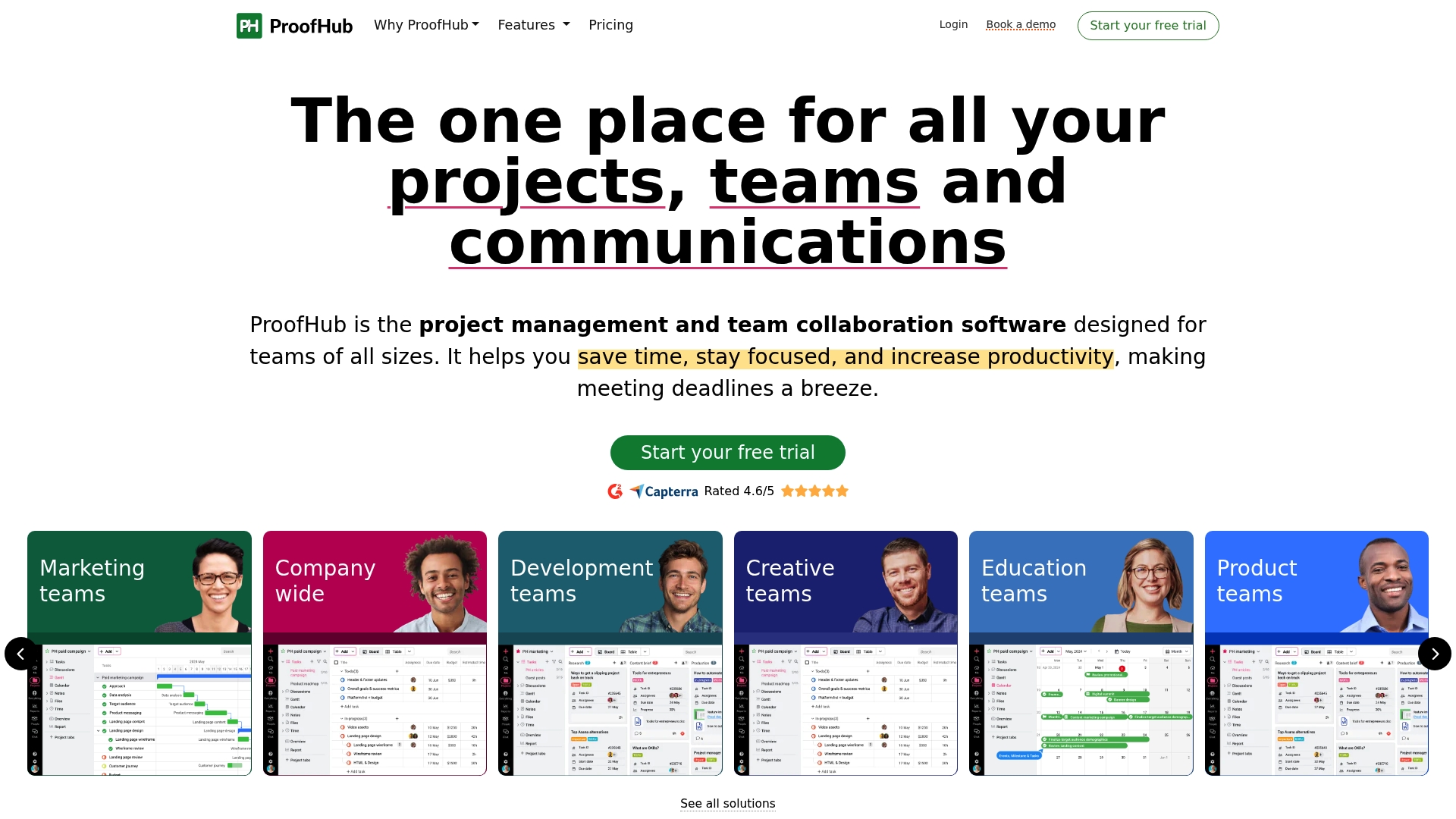
Flat-rate pricing for unlimited users and no per-user fees is the standout detail here. That billing model changes how teams budget for growth and makes headcount increases predictable.
ProofHub packages task boards, Gantt charts, time tracking, proofing, and reporting into one platform aimed at teams that want a single command center.
Core Features
- Task management with boards, table view, and configurable workflows for sprint and waterfall work.
- Gantt charts that show dependencies and deadlines alongside a Kanban board for visual tracking.
- Calendar with reminders and scheduling for milestones and launches.
- Time tracking with timers and exportable reports for billing or performance reviews.
- Proofing and file approval tools with markup, plus custom roles and permissions for access control.
- Project templates and built-in reports for progress and team performance.
Key Differentiator
The core claim is the flat-rate pricing for unlimited users combined with a full set of project and collaboration tools. For teams that add members quickly or manage many client projects, that single-price approach reduces per-seat budgeting headaches while keeping project features centralized.
Pros
- Consolidates planning and review in one place, so teams stop toggling between five different apps. This reduces context switching during busy sprints.
- Proofing tools speed client approvals by letting reviewers annotate files directly rather than email attachments back and forth.
- The flat-rate model provides a predictable monthly cost as headcount grows, which is useful for agencies and departments with fluctuating staffing.
- Built-in time tracking and reports let managers measure utilization without stitching separate timesheet tools together.
- Integrated chat, discussions, and announcements keep project decisions visible and auditable for internal teams and clients.
Cons
- The user interface can feel rigid or dated, which some teams say slows adoption among less technical staff.
- Mobile apps do not always match desktop feature parity, limiting field teams or frequent travelers.
- Notification volume can become overwhelming if defaults are not tuned, increasing background noise.
- Customer support responsiveness is reported as uneven by some users, which matters during critical project incidents.
When it may not fit
If your team prioritizes a modern, minimalist interface for fast user adoption, ProofHub’s UI may feel heavy. If most work happens on mobile, the less capable mobile feature set will frustrate you. If you need instant, highly responsive vendor support, reported variability in response times is a real risk.
Notable Integrations
- Dropbox
- OneDrive
- Slack
- Google Calendar
- iCal
- FreshBooks
- QuickBooks
These integrations cover common file storage, messaging, calendar sync, and accounting workflows.
Who it’s for
Mid-sized to large teams that want a centralized project hub and predictable billing. Agencies, marketing teams, and operations groups that run many concurrent client projects and want proofing plus time tracking in the same tool will find this appealing.
Real World Use Case
A marketing agency moves campaign planning, client feedback, and time logs into ProofHub. Designers mark up creative in the proofing tool, account managers track approvals in one place, and billable hours are exported to accounting for invoicing.
Pricing
Flat-rate subscription across unlimited users. Essential Plan: $45 per month, billed annually, or $50 per month, billed monthly. Ultimate Control Plan: $89 per month, billed annually (limited-time discount) or $99 per month, billed monthly, adding advanced administrative controls.
Website: https://proofhub.com
Upbase
At a Glance
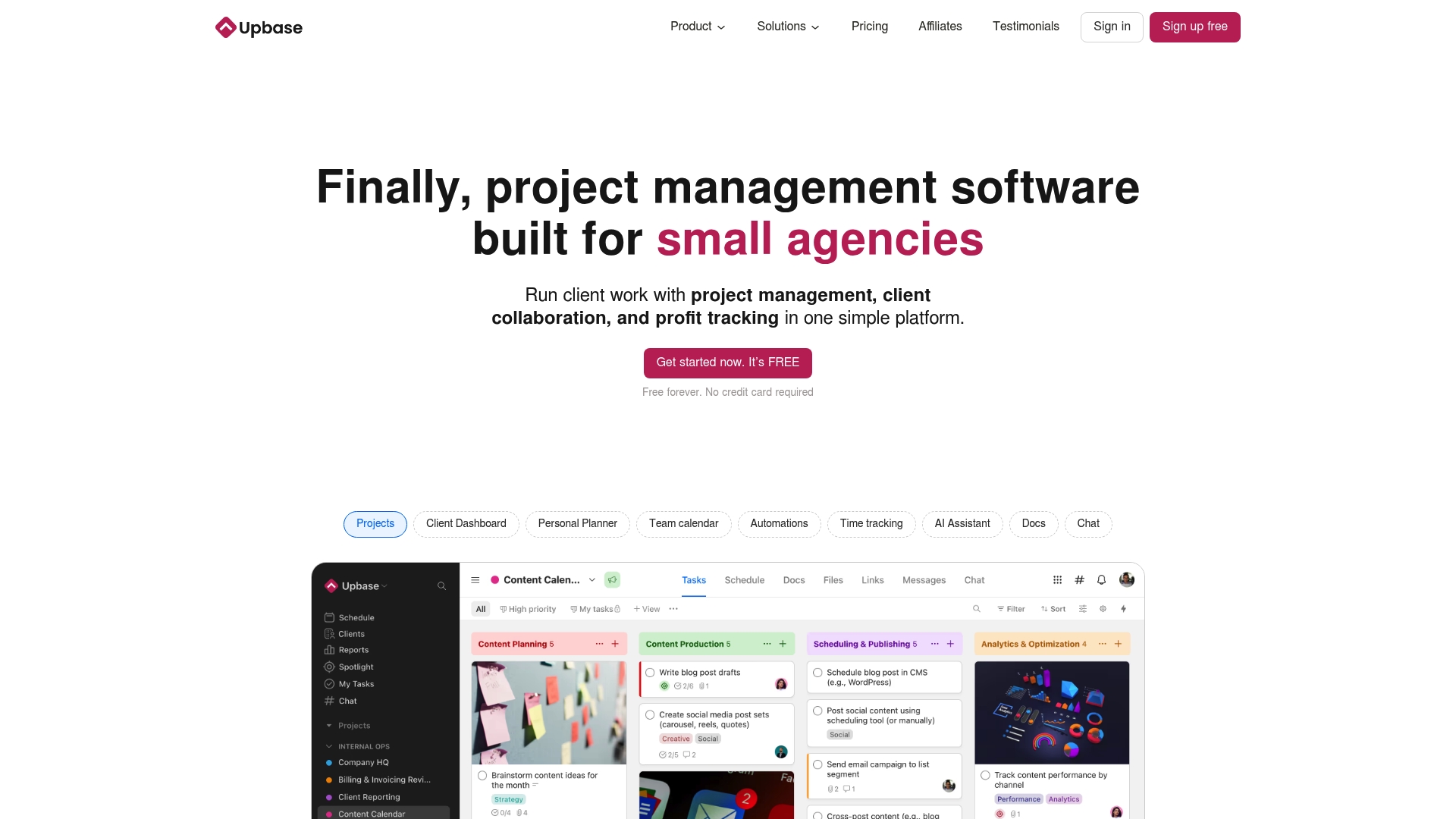
The vendor reports being trusted by over 12,500 businesses worldwide and offers a free forever plan that lets teams get started without a trial clock. Upbase bundles client collaboration, time tracking, profit visibility, and docs into one simple workspace built for client work.
Core Features
Starts with client control and a compact daily planner that keeps tasks and meetings visible while limiting what clients see.
- Client management for selective client access and file sharing
- Daily Planner, Tasks, and visual timeline for scheduling work
- Built-in time tracking and profit tracking for project margins
- Docs, Files, Links, Messages, and Chat for single-place communication
Key Differentiator
Designed specifically for agencies and service teams, Upbase focuses on the client relationship rather than endless configuration. That client-first approach means you can share progress and files without exposing internal boards. For teams that bill by project and want client clarity, this design reduces unnecessary noise.
Pros
- The user interface is widely praised as intuitive, which shortens onboarding time for new hires and contractors.
- All-in-one features reduce the number of tools you juggle, which saves admin work and accidental data loss.
- Affordable entry points mean freelancers and solo operators can adopt the tool before committing budget to seat licenses.
- Visual timeline and Spotlight help teams see near-term priorities without building custom reports.
- Client-facing controls let account leads show selective progress updates while keeping internal notes private.
Cons
- Desktop and web do not fully match the mobile experience, which creates inconsistent access for team members who prefer one platform.
- Advanced customization and automation are limited compared with larger project management suites, so complex workflows may feel constrained.
- Time tracking is present, but users who need deep billing rules or nested invoicing will find gaps.
- Some desktop widgets and Spotlight features present on mobile are missing, which frustrates power users.
When it may not fit
If your agency relies on heavy automation, multi-level custom fields, or enterprise resource management, Upbase will feel lightweight. Teams that need advanced reporting, complex permission layers, or large-scale integrations will outgrow the product quickly.
Who it’s for
Small agency owners, freelancers, and service teams that prioritize simple client visibility and fast setup. Ideal when client communication beats complex resource modeling and when you want profitability and time tracking in one view.
Real World Use Case
A four-person marketing shop centralizes client campaigns in Upbase. Team members log time on tasks, the lead reviews profit per project, and clients receive selective progress updates and files. Email threads drop sharply, and billing reconciliation becomes faster.
Pricing
Free forever plan available. Premium plans start at $10 per user per month. An unlimited plan is offered at $99 per month with no per-user charges, which suits agencies that prefer a flat bill.
Website: https://upbase.io
OpenProject
At a Glance
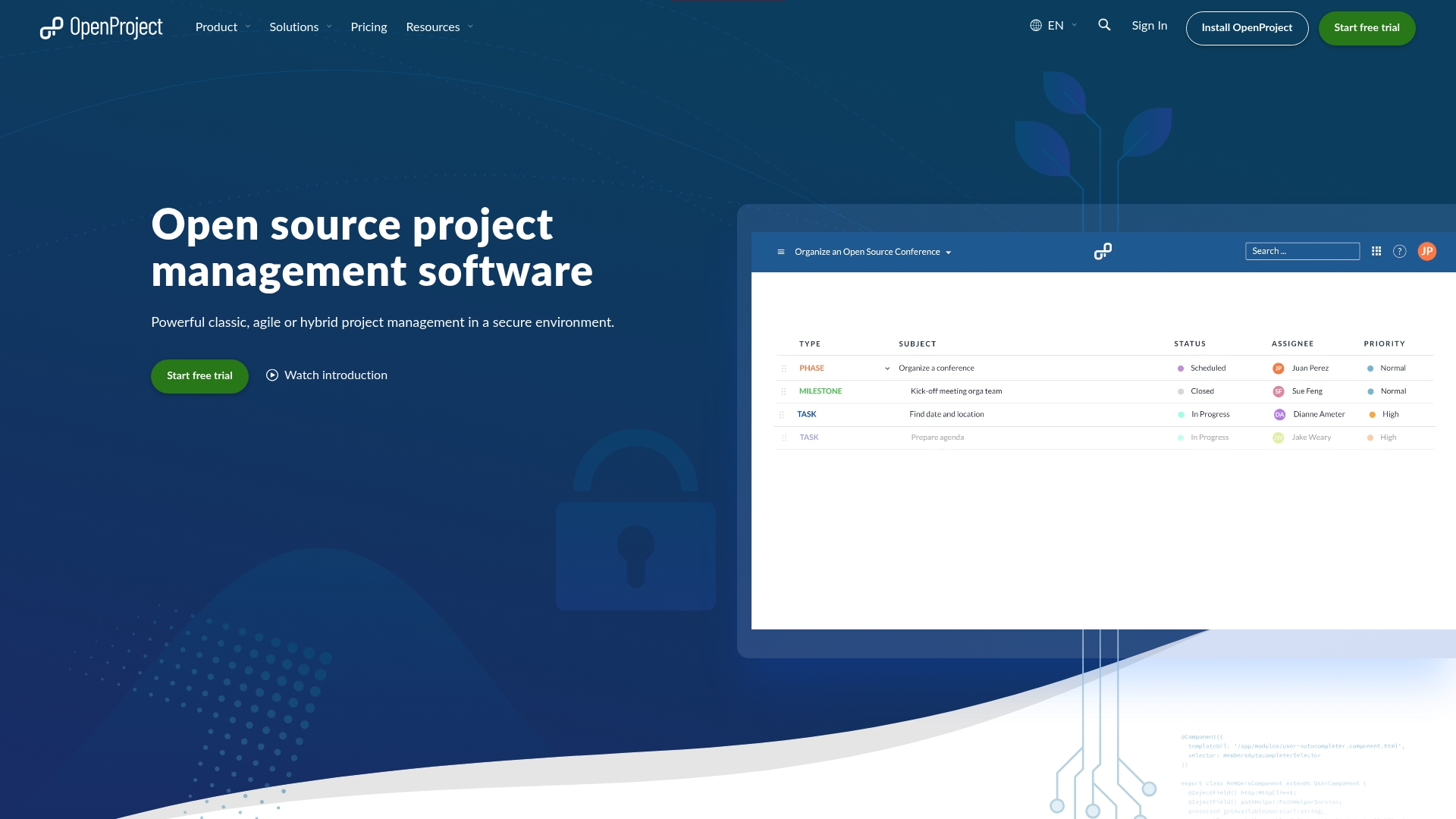
OpenProject supports GDPR-compliant hosting in the EU or Germany and ships as open source under GNU GPL v3, which makes data sovereignty a first-class feature for organizations that need it. The vendor advertises trust from companies such as Siemens, Deutsche Bahn, and Greenpeace.
Core Features
- Open-source platform with configurable project structures and role-based permissions for fine-grained control.
- Gantt charts and schedule baselines for classic project planning and change comparisons.
- Kanban and Scrum boards plus workload views for agile teams and hybrid workflows.
- Custom dashboards, documentation, meeting notes, and advanced workflow customization.
Key Differentiator
OpenProject’s real edge is being a highly configurable, open-source project management solution with both on-premises and SaaS deployment options. Its support for standards like PRINCE2, OKR, and SAFe, plus GDPR hosting, gives technical teams and public institutions control that most hosted tools do not provide.
Pros
- Low cost for self-managed installs. The community edition is free, and the licensing model lets organizations avoid per-seat fees when they want full control.
- Multiple views let teams switch between list, board, and timeline without losing context, which reduces time spent rebuilding reports.
- Superior issue tracking compared with traditional desktop tools, according to users who migrate from MS Project.
- Active community and paid support tiers offer a path from community help to dedicated support engineers as needs grow.
- Strong integrations with developer and file platforms make it practical for engineering teams managing code and docs together.
Cons
- Resource management lacks real-time status notifications, so capacity planning can feel manual and slow.
- Scheduling and cross-project visibility can become complex for non-technical users unfamiliar with open-source deployments.
- The self-hosted option carries hidden costs for maintenance and infrastructure, which can make the “free” label misleading over time.
When it may not fit
If your team needs instant, out-of-the-box notifications for resource changes or a lightweight, zero-administration tool, OpenProject can be too heavy. Small teams that prefer fully hosted, hands-off solutions will find the maintenance and configuration overhead inappropriate.
Notable Integrations
OpenProject connects with Nextcloud, OneDrive, and SharePoint, GitHub, GitLab, and openDesk. These integrations help link documents, repositories, and external file stores directly into project workflows without custom connectors.
Who it’s for
Organizations that prioritize data control and compliance, including research groups, public institutions, and engineering teams. Ideal for project managers who need standards support and IT teams that can operate or host the platform.
Real World Use Case
A nonprofit running city logistics used OpenProject to coordinate cargo bike operations. By moving task lists, meeting notes, and schedules into the same system, the team reduced response times and improved transparency across volunteers and partners.
Pricing
Free community edition available. Enterprise editions with support, enterprise add-ons, and hosted SaaS plans are available; pricing varies by deployment type and capacity and is quoted by the vendor.
Website: https://openproject.org
Comparing Digital Marketing Service Alternatives
In the digital marketing services space, understanding how each provider addresses specific organizational needs enables businesses to select the best-tailored solution. Below, we compare Ascendly Marketing and several competitors to provide a clearer view of their unique strengths and trade-offs.
Service Depth and Customization
Ascendly Marketing stands out for its all-encompassing service approach that integrates SEO, PPC, web design, and content strategy into streamlined executions. Its access to senior professionals ensures expertise throughout all engagement stages. Conversely, ProofHub excels with its flat-rate pricing model that simplifies budgeting for growing teams needing collaborative platforms, albeit with a narrower focus than Ascendly’s diverse offerings.
Cost Structures and Accessibility
Leiga and Upbase provide options to suit varying budget scales, making them preferable for startups and small enterprises. Leiga’s tiered pricing begins affordably while offering scalability, whereas Upbase offers a free-forever option for teams desiring basic client collaboration tools. Meanwhile, Ascendly’s custom pricing aligns with complex projects typically undertaken by mid-to-large enterprises seeking deep integration.
Best Fit Scenarios
- Ascendly Marketing: A powerful choice for enterprises needing extensive collaboration supported by seasoned experts across marketing domains.
- ProofHub: Opt for this solution if budget transparency and fixed costs are critical for project expense forecasting.
- Leiga: For small teams prioritizing cost-effective AI-driven insights integration directly into technical workflows.
- Upbase: An effective tool for agencies requiring streamlined client communication and profitability views without advanced customization needs.
- OpenProject: Recommended for teams requiring data ownership and regulatory compliance, particularly within European jurisdictions.
Our Pick
Ascendly Marketing shines with its strategic integration of technical SEO proficiency, creative services, and campaign execution. If your needs lean towards all-encompassing marketing solutions backed by industry veterans, Ascendly’s offerings merit strong consideration. However, teams with specific niche requirements, such as budget consistency or lightweight tools, may find compelling alternatives amongst the competitors analyzed.
Digital Marketing Services Comparison
This comparison highlights the unique aspects and considerations of top digital marketing service providers to assist in selecting the one that aligns best with your needs.
| Service | Core Features | Key Differentiator | Best For | Pricing | Limitation |
|---|---|---|---|---|---|
| Ascendly Marketing | SEO, PPC, web development, content marketing | Senior team of Google experts integrated across strategy and execution | Enterprises seeking comprehensive marketing solutions | Not disclosed | Custom pricing may not suit smaller businesses |
| Leiga | AI-driven reports, risk management, capacity planning | Embeds AI functionality directly into project workflows | Developer teams seeking workflow-integrated AI tools | Free tier, from $10/user/month | Advanced features may necessitate higher-tier subscriptions |
| ProofHub | Task management, Gantt charts, proofing, time tracking | Flat-rate pricing for unlimited users | Agencies with diverse task demands | From $45/month flat | Lacks mobile feature parity and flexible UI |
| Upbase | Client management, daily planner, time tracking, collaboration tools | Focused design for client-agency collaboration | Small agencies managing client-focused work | Free tier, premium from $10/user/month | May lack advanced features required for intricate workflows |
| OpenProject | Gantt charts, kanban, role-based permissions, open source | Open-source platform supporting GDPR compliance and custom deployment options | Public institutions valuing data control and standards | Free community edition, paid plans require a vendor quote | Self-hosting can incur significant maintenance responsibilities |
Looking Beyond Reportgarden.com Alternatives for Smarter Marketing Reporting
Finding reliable, integrated marketing solutions that deliver clear SEO and PPC insights can feel frustrating when Reportgarden.com alternatives don’t meet your needs. If your goal is to simplify your digital marketing efforts with proven strategies and actionable results, then Ascendly Marketing offers a trusted partner focused on driving organic growth, paid advertising success, and measurable sales increases.
Explore how Ascendly Marketing’s experienced team blends technical SEO audits with creative content and comprehensive PPC management to eliminate guesswork. Visit Ascendly Marketing for detailed case studies and book a consultation to see how connecting strategy and execution can improve your online visibility and lead generation. Take charge now and schedule a 20-minute strategy call to get a tailored digital marketing plan designed just for you.
Frequently Asked Questions
How do Ascendly Marketing’s SEO audits stand out?
Ascendly Marketing offers SEO and technical audits that significantly enhance organic visibility and crawl performance for mid- to large-sized sites. Their expertise in both technical SEO and content execution allows for a holistic approach, ensuring that clients see measurable improvements in search rankings. To leverage these capabilities, consider engaging them to refine your SEO strategy for maximum impact.
What is the difference between Ascendly Marketing and Leiga in terms of paid advertising management?
Leiga excels at integrating AI-driven automation for routine project updates, which can streamline communication within development teams, making it a solid choice for tech-focused projects. Ascendly Marketing, on the other hand, specializes in conversion-focused reporting for PPC and paid advertising management, suited for businesses needing in-depth analytics and strategic campaign oversight. Depending on your project’s focus, choose the option that aligns best with your objectives.
Which platform provides effective case studies for justifying marketing investment?
Ascendly Marketing features comprehensive case studies that highlight its success in SEO growth, lead generation, and measurable business impacts. Their documented successes give you valuable insights into the potential return on investment, making it easier to convince stakeholders to invest in their services. This can lead to a more informed decision-making process regarding your marketing strategies.
Can I integrate Ascendly Marketing’s services with other tools effectively?
Yes, Ascendly Marketing’s full-service scope allows you to bundle website development, content, and paid media into one cohesive strategy. This integration capability keeps all your KPIs aligned and simplifies project management across platforms. Consider using Ascendly Marketing to create a unified marketing system that enhances collaboration and efficiency among your teams.
How transparent is the reporting provided by Ascendly Marketing?
Ascendly Marketing prides itself on transparent reporting practices that foster collaboration with clients, enabling quick adjustments to marketing tactics. Their commitment to clear communication about progress and analytics ensures all stakeholders remain informed and engaged throughout campaigns. Look into their reporting methods to gauge how they can enhance your team’s alignment and performance.