

TL;DR:
- Website optimization directly impacts sales, with 100ms delay costing 1% revenue.
- Continuous evaluation and fixing of speed, UX, SEO, and conversions are essential.
- Focus on major issues like images, server response, and mobile usability for best results.
A 100ms delay can cost you 1% in sales — and most small business owners have no idea their site is bleeding revenue every single day. Website optimization is not just a technical checkbox. It is one of the most direct levers you have for growing your business online. The problem is that most SMBs treat it like a one-time project rather than an ongoing strategy. This article breaks down what optimization really means, why it matters to your bottom line, and what practical steps you can take starting today — no coding degree required.
Table of Contents
- What is website optimization?
- Why website performance is crucial for sales and growth
- How website optimization works: Steps and best practices
- Common pitfalls and expert tips for SMBs
- A fresh perspective: Why most SMBs get optimization backwards
- Next steps: Get expert website optimization help
- Frequently asked questions
Key Takeaways
| Point | Details |
|---|---|
| Optimization boosts results | Optimizing your website can significantly increase sales and conversions for SMBs. |
| Performance directly impacts sales | Each fraction of a second shaved off your site speed increases your bottom line. |
| Focus on high-impact changes | Tuning images, server response, and core code pays off more than minor tweaks. |
| Continuous process, not one-time | Ongoing measurement and iteration are essential for lasting online success. |
| User experience comes first | The most profitable websites put real visitors’ needs ahead of chasing test scores. |
What is website optimization?
Website optimization is the process of improving your site so that it works better for both visitors and your business goals. It is not just about loading speed, though that matters a lot. True optimization covers multiple layers: how fast your pages load, how easy your site is to navigate, how clearly your content communicates value, how well your pages rank in search engines, and how effectively your site turns visitors into paying customers.
Think of your website like a storefront. A fast, clean, well-labeled store makes people feel welcome and ready to buy. A slow, cluttered one sends them straight to a competitor. The same psychology applies online, except the competition is one click away.
Here is a quick look at how an optimized site compares to one that has been left unattended:
| Metric | Optimized site | Non-optimized site |
|---|---|---|
| Page load time | Under 2.5 seconds | 4 to 8 seconds or more |
| Bounce rate | 30 to 40% | 60 to 80% |
| Mobile usability | Fully responsive | Broken or clunky |
| SEO visibility | Strong rankings | Buried in results |
| Conversion rate | 3 to 5%+ | Under 1% |
According to the process framework used by industry practitioners, optimization involves measuring, auditing, fixing, testing, and iterating in a continuous cycle — not a single sprint and done.
Key elements of a well-optimized site include:
- Speed and performance: Fast load times across devices
- Search engine optimization: Pages structured for discoverability using proven SEO strategies
- Content quality: Clear, relevant messaging that addresses user intent
- User experience (UX): Intuitive navigation and clean design
- Conversion optimization: Calls to action, forms, and flows that drive results
- Paid visibility: Supporting organic rankings with SEM strategies where needed
You can also strengthen these efforts with smart content marketing for SMBs, which builds authority and trust alongside technical improvements.
Why website performance is crucial for sales and growth
Here is where things get real. Website performance is not just a technical issue — it is a sales issue. Every second your site takes to load is a window for your visitor to leave. And they do leave.

The numbers are striking. Amazon found that every 100ms of added delay costs 1% in sales. Walmart saw a 2% conversion gain for every one-second improvement in load time. These are not startups experimenting with data. These are massive retailers with millions of transactions, proving the direct link between speed and revenue.
For SMBs, the stakes are just as high — maybe higher, because you have less margin for wasted traffic.
Google’s Core Web Vitals are the current standard for measuring real-world performance. Here is what good looks like:
| Core Web Vitals | What it measures | Good benchmark |
|---|---|---|
| LCP (Largest Contentful Paint) | How fast main content loads | Under 2.5 seconds |
| CLS (Cumulative Layout Shift) | Visual stability while loading | Under 0.1 |
| INP (Interaction to Next Paint) | Response time to user inputs | Under 200ms |
These Core Web Vitals benchmarks directly influence your Google rankings, which means performance affects both how many people find you and how many convert once they arrive.
“A slow website does not just frustrate users — it actively destroys the trust and credibility you have worked hard to build.”
Common frustrations visitors experience on slow or poorly optimized sites:
- Pages that shift around as they load (jarring and unprofessional)
- Forms that do not work correctly on mobile
- Images that take forever to appear
- Navigation that requires excessive scrolling or clicking
- Checkout or contact flows that feel broken
Improving these areas is the foundation of e-commerce conversion tips that actually move the needle. You can also explore deeper strategies for improving website conversions and specific tactics focused on boosting conversion rates across your key pages.
How website optimization works: Steps and best practices
Optimization sounds complex, but the process itself is straightforward once you break it down. The key is treating it as a cycle, not a project with a finish line.
Here are the five fundamental steps, as validated by performance specialists:
- Measure: Use tools like Google PageSpeed Insights, Lighthouse, or GTmetrix to get a baseline. You cannot improve what you do not measure.
- Audit: Identify the biggest bottlenecks. Slow images? Poor server response? Render-blocking scripts? Find the culprits before guessing at solutions.
- Fix: Address the highest-impact issues first. Not all problems are equal. A 4MB hero image matters far more than a tiny JavaScript function.
- Test: After fixing, measure again. Did your LCP improve? Did the bounce rate drop? Use A/B testing on key pages to validate UX changes.
- Iterate: Optimization never ends. Algorithms change, user behavior shifts, and new content creates new opportunities. Measuring, auditing, fixing, testing, and iterating continuously is what separates growing businesses from stagnant ones.
For the fix stage, follow an improved design workflow that accounts for both technical and visual performance. Pair this with conversion-focused steps to ensure every change you make moves users closer to taking action.
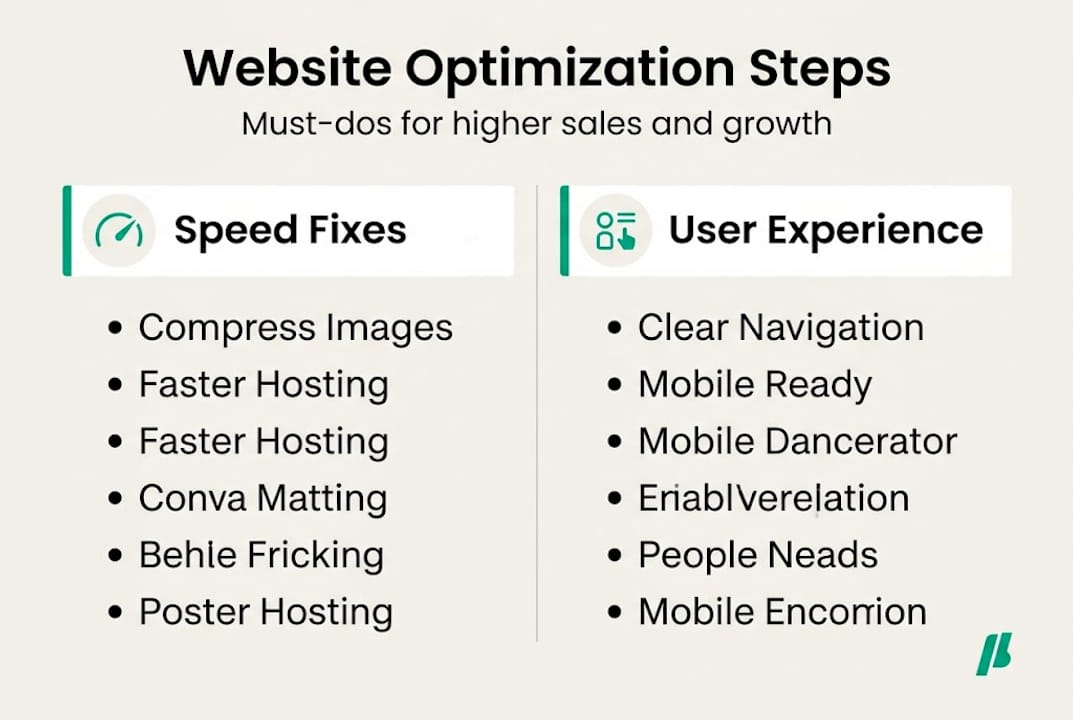
Pro Tip: Do not waste hours tweaking minor JavaScript files. The biggest wins for most SMBs come from compressing images, improving Time to First Byte (TTFB) via better hosting or caching, and loading critical CSS inline. Fix those three first, and you will see measurable results fast.
Common pitfalls and expert tips for SMBs
Even with a solid process, many small business owners spin their wheels on the wrong things. Knowing what to avoid is just as valuable as knowing what to do.
The most common mistakes SMBs make:
- Ignoring mobile entirely: Over 60% of web traffic is mobile. If your site looks fine on a laptop but breaks on a phone, you are losing more than half your audience.
- Neglecting image optimization: Uncompressed images are the single most common cause of slow sites. A photo straight from a camera can be 4 to 8MB. Properly compressed, it should be under 150KB without visible quality loss.
- Chasing minor improvements instead of major wins: Spending days tweaking fonts or button colors while your server response time is 3 seconds is backwards prioritization.
- Not addressing reducing bounce rate: High bounce rates often signal a mismatch between what users expect and what they find — fixing this requires both speed and content alignment.
- Skipping regular reviews: Many SMBs optimize once and forget it. A plugin update or new page can break performance silently.
The high-impact fixes that matter most are images, server response times, and critical CSS — not deep JavaScript optimization unless your site is extremely complex.
Pro Tip: Apply the 80/20 rule. Roughly 80% of your performance gains will come from fixing 20% of issues — usually images, hosting quality, and caching. Spend your time and budget there before moving to fine-tuning.
Quick wins worth prioritizing right now:
- Enable caching on your web server or through a plugin
- Compress and resize all images before uploading
- Use a Content Delivery Network (CDN) to serve assets faster globally
- Minimize the number of third-party scripts (chat widgets, trackers, etc.)
- Follow current website design tips to combine visual appeal with performance
A fresh perspective: Why most SMBs get optimization backwards
Here is something most optimization guides will not tell you: chasing a perfect score on Google Lighthouse or PageSpeed can actually work against you.
We have seen businesses obsess over getting from 87 to 100 on a score tool while their conversion rate sits at 0.8%. They spend weeks stripping out third-party scripts, deferring every resource, and fighting with developers — all to move a number that their customers never see.
The real goal is not a score. It is revenue. It is the experience your visitor has when they land on your page. Does it load fast enough to hold their attention? Does it communicate value clearly? Does it make the next step obvious?
A site with a Lighthouse score of 74 that converts at 4% is beating a score-90 site that converts at 1% every single time.
Focus on user outcomes first. Use score tools to diagnose problems, not to define success. A well-rounded SEO strategy that works combines technical health with compelling content and a clear user journey — because rankings and revenue both depend on the full picture, not just load time numbers.
The SMBs that win online are the ones who ask, “Does this change make it easier for my customer to buy?” rather than “Does this move my score up?”
Next steps: Get expert website optimization help
Optimization is powerful, but it works best when it is done consistently and strategically. If you are tired of guessing which changes actually matter or watching traffic arrive without converting, it is time to bring in specialists.

At Ascendly Marketing, we help SMBs improve every layer of their online presence — from technical performance and website design services to SEO company support that drives lasting organic growth. Whether you need a full site audit or targeted help with conversions, our team knows what moves the needle. You can also start by reading our organic SEO guide to understand how performance and search visibility work together. Let us help you save time, avoid costly mistakes, and build a site that actually grows your business.
Frequently Asked Questions
What does website optimization include?
It covers speed improvements, UX enhancements, SEO, mobile usability, and conversion-focused content. The full process means measuring, auditing, fixing, testing, and iterating on a regular schedule.
Do small speed increases really improve my sales?
Yes. Research shows that every 100ms delay costs approximately 1% in sales, meaning even modest speed improvements have a direct and measurable impact on your revenue.
How often should I optimize my website?
Optimization is ongoing, not a one-time fix. Iterative optimization is required for consistent results, so plan to review performance monthly or after any major content or design changes.
What are the Core Web Vitals benchmarks?
Google’s benchmarks for good performance are LCP under 2.5s, CLS under 0.1, and INP under 200ms. Hitting these marks supports both higher rankings and a better user experience.
What optimization mistakes should SMBs avoid first?
Avoid skipping mobile optimization, leaving images uncompressed, and wasting time on minor tweaks. The highest-impact fixes are always images, server response time, and critical CSS — start there.
